Live A Live

0 plays 1994 #RPG
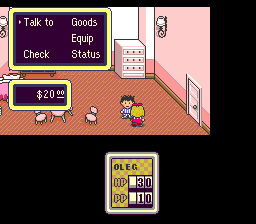
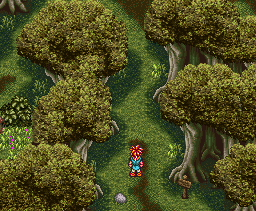
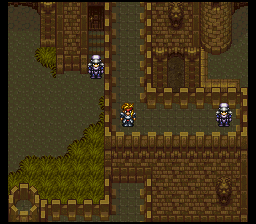
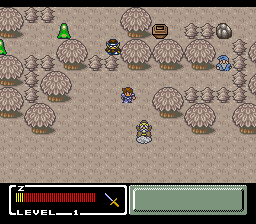
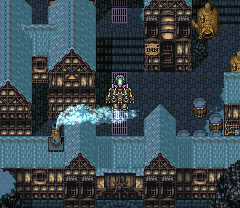
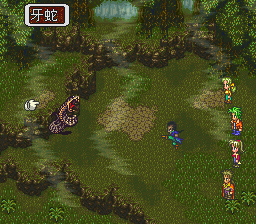
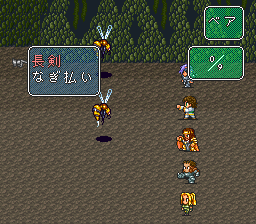
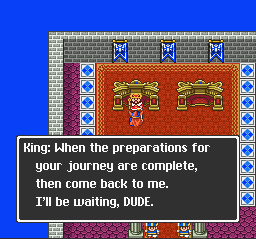
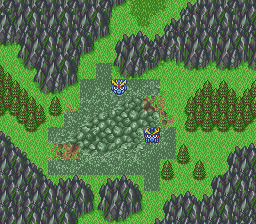
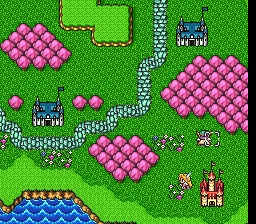
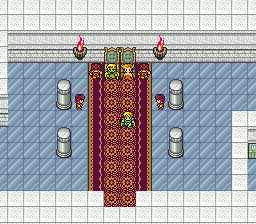
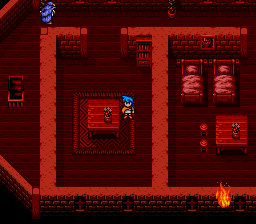
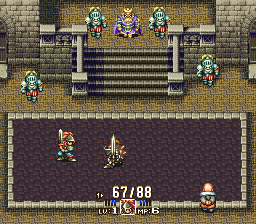
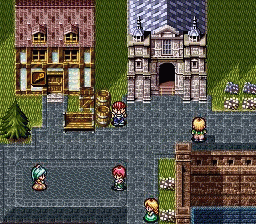
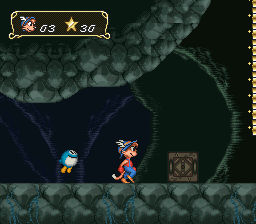
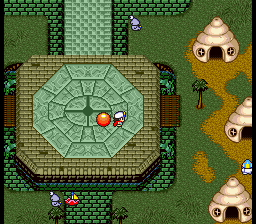
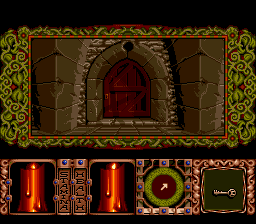
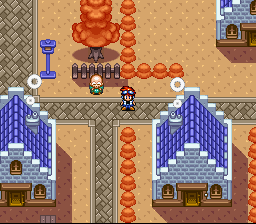
Live A Live is a 1994 role-playing video game developed and published by Square for the Super Famicom. A remake was published by Square Enix in Japan and Nintendo worldwide, being released first for Nintendo Switch in 2022, and the following year for PlayStation 4, PlayStation 5, and Windows. The game follows seven distinct scenarios scattered across different time periods, with two more unlockable scenarios linking the narratives together through the recurring antagonist Odio. Gameplay is split between exploration with story-specific twists, and turn-based combat played out on a grid.
Production began in late 1993, and was the directorial debut of Takashi Tokita. Tokita wanted to tell multiple stories within a single game, with each section drawing inspiration from different sources. Character designs for the seven main scenarios were handled by different manga artists. The music was composed by Yoko Shimomura as her first large-scale project after joining Square.
Reception of the game has been positive, with praise going to its unique gameplay and narrative mechanics, though its short length was faulted. The remake was praised by Western reviewers, particularly its overall design and redone graphics and music, though several noted gameplay elements that had aged poorly. Selling 270,000 units, the original release was considered a failure, while the remake sold 500,000 copies worldwide. Tokita's work on Live A Live influenced his later projects.
It came out only in Japan; this version has an unofficial English fan translation.
From Wikipedia's article Live A Live, licensed under CC BY-SA 4.0
Keyboard controls
| SNES | Player 1 | Player 2 |
|---|---|---|
| D-pad | ↑↓←→ | IKJL |
| A | Z | M |
| B | X | N |
| X | A | U |
| Y | S | H |
| L | Q | Y |
| R | E | O |
| Select | Shift | B |
| Start | Enter | Space |
Hotkeys
- 1 Quick save state
- 2 Quick load state
- 3 Change save slot
Gamepads are detected when you press a button. Remap any key from the emulator’s Controls menu (gear icon).
Online, both players use the Player 1 keys (or a gamepad) on their own computer. Saving, loading and pausing are off while you play online.
Live chat
Connecting…
Keyboard controls
| SNES | Player 1 | Player 2 |
|---|---|---|
| D-pad | ↑↓←→ | IKJL |
| A | Z | M |
| B | X | N |
| X | A | U |
| Y | S | H |
| L | Q | Y |
| R | E | O |
| Select | Shift | B |
| Start | Enter | Space |
Hotkeys
- 1 Quick save state
- 2 Quick load state
- 3 Change save slot
Gamepads are detected when you press a button. Remap any key from the emulator’s Controls menu (gear icon).
Online, both players use the Player 1 keys (or a gamepad) on their own computer. Saving, loading and pausing are off while you play online.
No reviews yet
We found no critic scores for this game, and too few players have rated it.
Review scorecard
- Graphics — Not scored Unavailable
- Sound — Not scored Unavailable
- Control — Not scored Unavailable
- Fun Factor — Not scored Unavailable
No category score or overall rating is available for the unscored slots.
Full reviews
Play online
Play with a friend on another computer. Host a room and send them the link, or list it in Open rooms for anyone to join; they play as Player 2 and you both see the same game.
Press Start Game first.
Go live
Let anyone watch you play, live in their browser. They see your game as you play it, and your online game when you host a room.
Press Start Game first.
Comments