Lufia II: Rise of the Sinistrals

39K plays 1995 #RPG
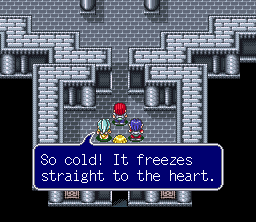
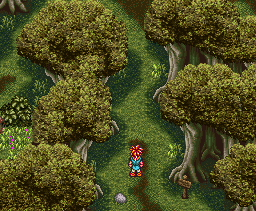
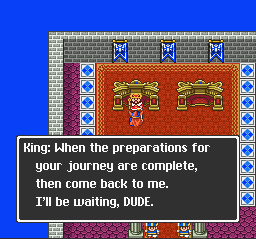
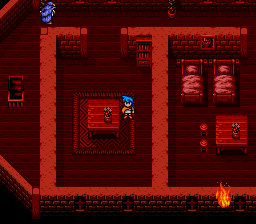
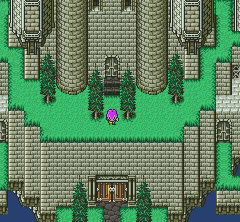
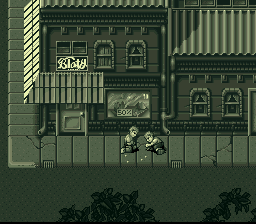
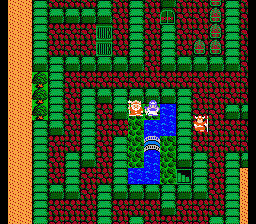
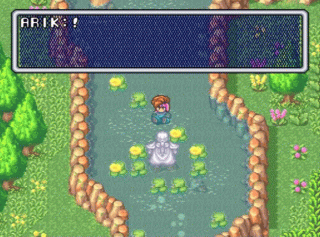
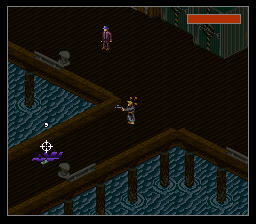
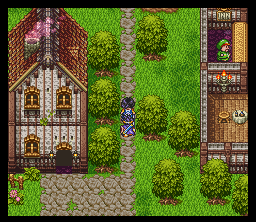
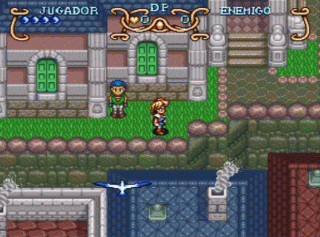
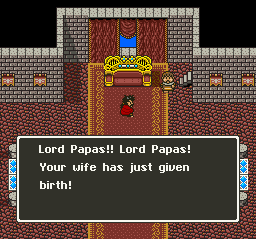
Lufia II: Rise of the Sinistrals, known as Estpolis Denki II (エストポリス伝記II, Esutoporisu Denki II; officially translated Biography of Estpolis II) in Japan, and as Lufia in Europe and Australia, is a role-playing video game with puzzle elements developed by Neverland and published in Japan in 1995 by Taito, and in North America and Europe in 1996 by Natsume and Nintendo respectively, for the Super Nintendo Entertainment System. It is the second game in the Lufia series.
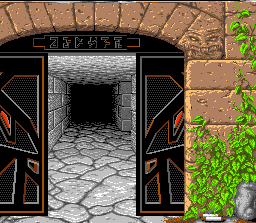
The game is a prequel to Lufia & the Fortress of Doom. It follows the story of the first main character's ancestor, Maxim, and explains the origins of the war between mankind and a group of gods called the Sinistrals. Lufia II made a number of changes from the first game. Dungeons no longer have random encounters and there are hundreds of puzzles throughout the game, ranging from simple to extremely challenging. It also introduced new skills, such as a variety of weapons that could be used to stun monsters or solve puzzles, and IP attacks. In 2010, Square Enix released a re-imagining of the original game titled Lufia: Curse of the Sinistrals.
From Wikipedia's article Lufia II: Rise of the Sinistrals, licensed under CC BY-SA 4.0
Keyboard controls
| SNES | Player 1 | Player 2 |
|---|---|---|
| D-pad | ↑↓←→ | IKJL |
| A | Z | M |
| B | X | N |
| X | A | U |
| Y | S | H |
| L | Q | Y |
| R | E | O |
| Select | Shift | B |
| Start | Enter | Space |
Hotkeys
- 1 Quick save state
- 2 Quick load state
- 3 Change save slot
Gamepads are detected when you press a button. Remap any key from the emulator’s Controls menu (gear icon).
Online, both players use the Player 1 keys (or a gamepad) on their own computer. Saving, loading and pausing are off while you play online.
Live chat
Connecting…
Keyboard controls
| SNES | Player 1 | Player 2 |
|---|---|---|
| D-pad | ↑↓←→ | IKJL |
| A | Z | M |
| B | X | N |
| X | A | U |
| Y | S | H |
| L | Q | Y |
| R | E | O |
| Select | Shift | B |
| Start | Enter | Space |
Hotkeys
- 1 Quick save state
- 2 Quick load state
- 3 Change save slot
Gamepads are detected when you press a button. Remap any key from the emulator’s Controls menu (gear icon).
Online, both players use the Player 1 keys (or a gamepad) on their own computer. Saving, loading and pausing are off while you play online.
Play online
Play with a friend on another computer. Host a room and send them the link; they join as Player 2 and you both see the same game.
Press Start Game first.
Go live
Let anyone watch you play, live in their browser. They see your game as you play it, and your online game when you host a room.
Press Start Game first.
Comments