Robotrek

0 plays 1994 #RPG
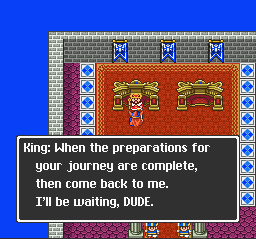
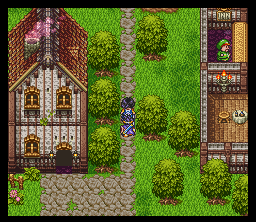
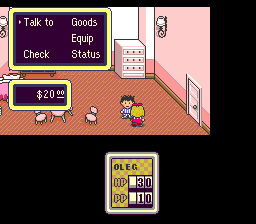
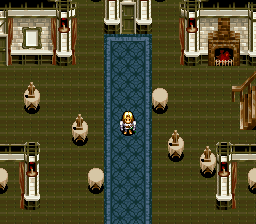
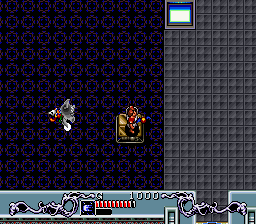
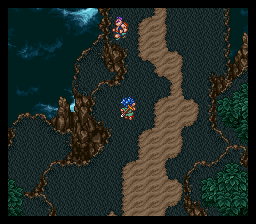
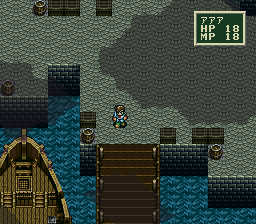
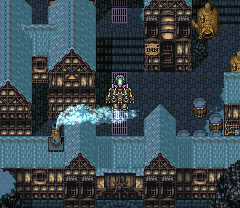
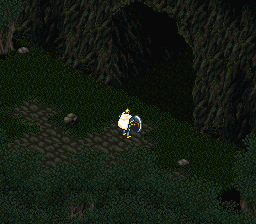
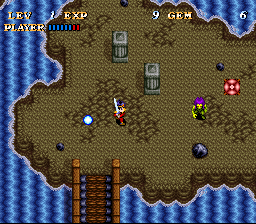
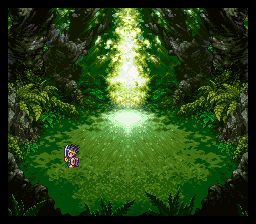
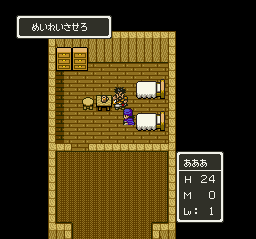
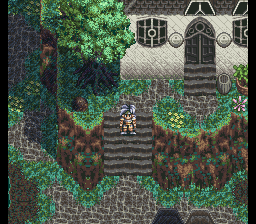
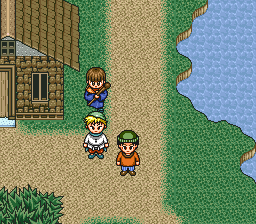
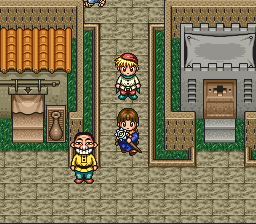
Robotrek, known in Japan as Slapstick (Japanese: スラップスティック, Hepburn: Surappusutikku), is a role-playing video game (RPG) for the Super Nintendo Entertainment System (SNES). It was developed by Quintet and published by Enix in both Japan and North America in 1994. Set on the fictional planet Quintenix, the game puts the player in control of a budding robotics expert who is the son of a famous inventor.
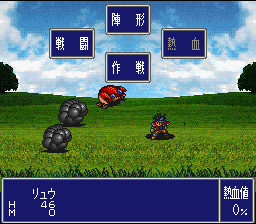
As its Japanese name implies, Robotrek was intended as a humorous game. Designed to appeal to a younger audience, Robotrek's main focus is on allowing the player to raise up to three robots which are built from spare parts that may be found, gained through battles, or generated by the player by means of the game's item combination system.
Robotrek sold poorly and was given mostly average reviews upon its release. The game's combination of traditional RPG mechanics with the ability to build customizable robots and invent items was positively received. Mixed criticism was directed at its graphics, music, and overall presentation. Some sources have noted gameplay similarities between Robotrek and the later released Pokémon and Robopon RPG franchises.
From Wikipedia's article Robotrek, licensed under CC BY-SA 4.0
Keyboard controls
| SNES | Player 1 | Player 2 |
|---|---|---|
| D-pad | ↑↓←→ | IKJL |
| A | Z | M |
| B | X | N |
| X | A | U |
| Y | S | H |
| L | Q | Y |
| R | E | O |
| Select | Shift | B |
| Start | Enter | Space |
Hotkeys
- 1 Quick save state
- 2 Quick load state
- 3 Change save slot
Gamepads are detected when you press a button. Remap any key from the emulator’s Controls menu (gear icon).
Online, both players use the Player 1 keys (or a gamepad) on their own computer. Saving, loading and pausing are off while you play online.
Live chat
Connecting…
Keyboard controls
| SNES | Player 1 | Player 2 |
|---|---|---|
| D-pad | ↑↓←→ | IKJL |
| A | Z | M |
| B | X | N |
| X | A | U |
| Y | S | H |
| L | Q | Y |
| R | E | O |
| Select | Shift | B |
| Start | Enter | Space |
Hotkeys
- 1 Quick save state
- 2 Quick load state
- 3 Change save slot
Gamepads are detected when you press a button. Remap any key from the emulator’s Controls menu (gear icon).
Online, both players use the Player 1 keys (or a gamepad) on their own computer. Saving, loading and pausing are off while you play online.
No reviews yet
We found no critic scores for this game, and too few players have rated it.
Review scorecard
- Graphics — Not scored Unavailable
- Sound — Not scored Unavailable
- Control — Not scored Unavailable
- Fun Factor — Not scored Unavailable
No category score or overall rating is available for the unscored slots.
Full reviews
Play online
Play with a friend on another computer. Host a room and send them the link, or list it in Open rooms for anyone to join; they play as Player 2 and you both see the same game.
Press Start Game first.
Go live
Let anyone watch you play, live in their browser. They see your game as you play it, and your online game when you host a room.
Press Start Game first.
Comments