Romancing Sa-Ga 3

0 plays 1995 #RPG
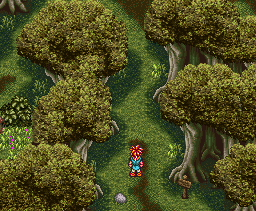
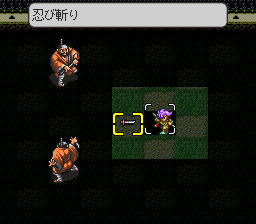
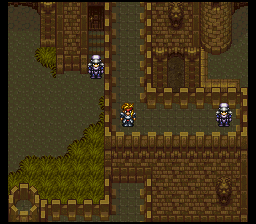
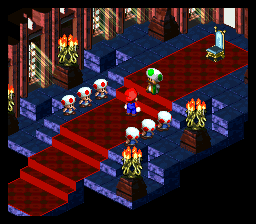
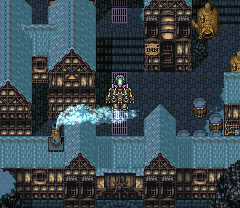
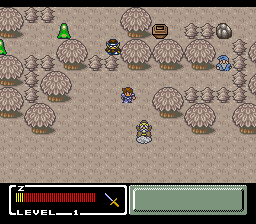
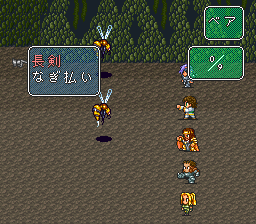
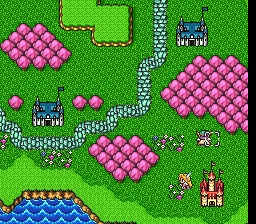
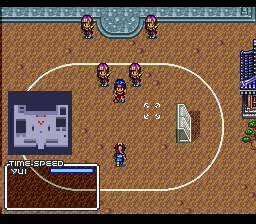
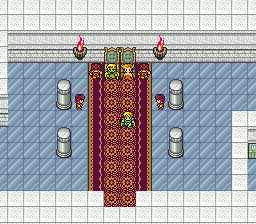
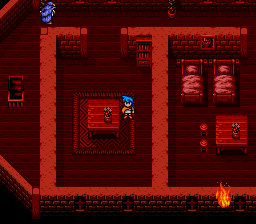
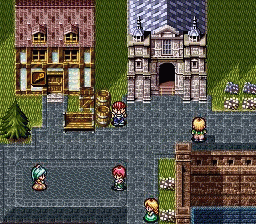
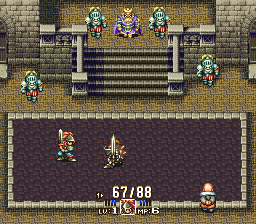
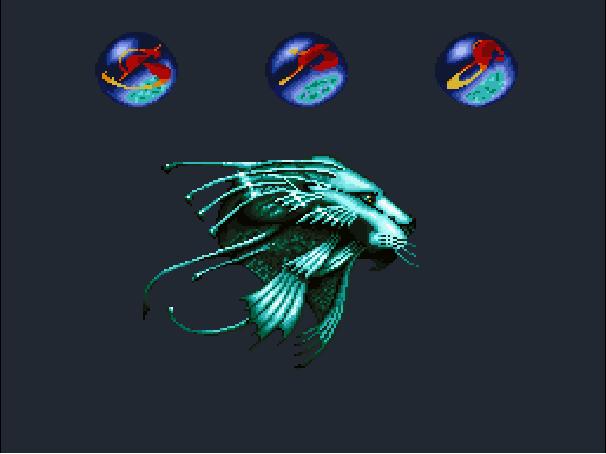
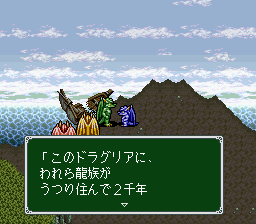
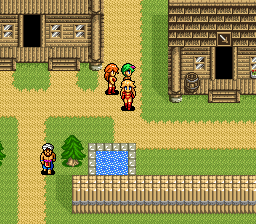
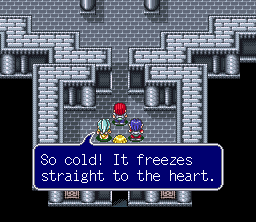
Romancing SaGa 3 is a 1995 role-playing video game developed and published by Square for the Super Famicom (Super Nintendo Entertainment System) as a Japanese exclusive. A remaster was released worldwide in 2019 by Square Enix for mobile platforms, consoles and Windows. The sixth entry in the SaGa series, it follows eight characters who are drawn into the search for the Child of Destiny, a figure who could bring either salvation or ruin to the world. Gameplay has the chosen character exploring the world, completing a variety of quests and with some characters engaging in campaign-specific mini-games. The turn-based combat carries over established SaGa mechanics including usage-based statistic growth and learning new moves based on a character's weapons and combat actions.
Production began in 1993 shortly after the completion of Romancing SaGa 2. series creator Akitoshi Kawazu returned as director, writer and co-designer. Other returning staff included battle designer Kyoji Koizumi, character designer Tomomi Kobayashi, and composer Kenji Ito. Kawazu returned to the world structure of the original Romancing SaGa, and took in staff suggestions when creating its character-specific mini-games. The remaster began development during 2017, with the goal being to replicate the original game on modern hardware. Due to loss of the original assets, parts of the game had to be reconstructed.
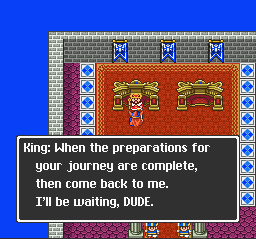
This is the Japanese release, so its text is in Japanese.
From Wikipedia's article Romancing SaGa 3, licensed under CC BY-SA 4.0
Keyboard controls
| SNES | Player 1 | Player 2 |
|---|---|---|
| D-pad | ↑↓←→ | IKJL |
| A | Z | M |
| B | X | N |
| X | A | U |
| Y | S | H |
| L | Q | Y |
| R | E | O |
| Select | Shift | B |
| Start | Enter | Space |
Hotkeys
- 1 Quick save state
- 2 Quick load state
- 3 Change save slot
Gamepads are detected when you press a button. Remap any key from the emulator’s Controls menu (gear icon).
Online, both players use the Player 1 keys (or a gamepad) on their own computer. Saving, loading and pausing are off while you play online.
Live chat
Connecting…
Keyboard controls
| SNES | Player 1 | Player 2 |
|---|---|---|
| D-pad | ↑↓←→ | IKJL |
| A | Z | M |
| B | X | N |
| X | A | U |
| Y | S | H |
| L | Q | Y |
| R | E | O |
| Select | Shift | B |
| Start | Enter | Space |
Hotkeys
- 1 Quick save state
- 2 Quick load state
- 3 Change save slot
Gamepads are detected when you press a button. Remap any key from the emulator’s Controls menu (gear icon).
Online, both players use the Player 1 keys (or a gamepad) on their own computer. Saving, loading and pausing are off while you play online.
No reviews yet
We found no critic scores for this game, and too few players have rated it.
Review scorecard
- Graphics — Not scored Unavailable
- Sound — Not scored Unavailable
- Control — Not scored Unavailable
- Fun Factor — Not scored Unavailable
No category score or overall rating is available for the unscored slots.
Full reviews
Play online
Play with a friend on another computer. Host a room and send them the link, or list it in Open rooms for anyone to join; they play as Player 2 and you both see the same game.
Press Start Game first.
Go live
Let anyone watch you play, live in their browser. They see your game as you play it, and your online game when you host a room.
Press Start Game first.
Comments