Solaris

42K plays 1986 #Action#Shooter
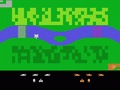
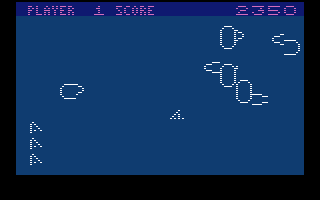
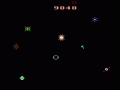
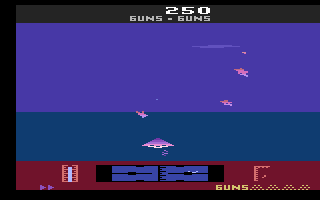
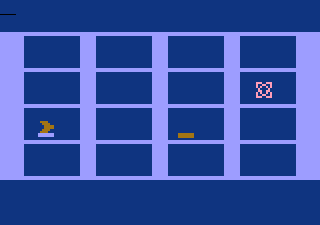
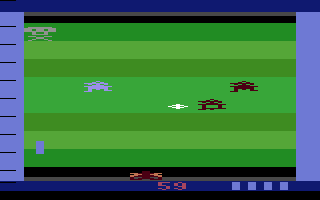
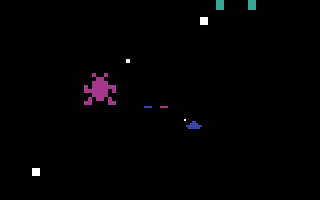
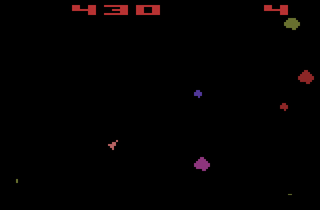
Solaris is a 1986 space combat video game developed and published by Atari Corporation for the Atari 2600. The game involves a player seeking out the planet Solaris via their starship. To accomplish this, the player must navigate the galactic scanner to explore quadrants of a map. Doing so allows them to explore Federation planets to refuel their ship, and engage in combat with hostile aliens known as the Zylons.
The game was programmed by Doug Neubauer, who had previously made Star Raiders (1980) for the Atari 8-bit home computers for Atari and various film tie-in games for the Atari 2600 for Fox Video Games. Neubauer pitched this game to Atari in 1984, who planned to make it a tie-in to the film The Last Starfighter (1984). Following Jack Tramiel's purchase of Atari, Inc.'s assets in 1984, Atari's production of console games was halted and the game languished in development hell. Neubauer was only contacted in 1986 to complete his work on Solaris following the release of a new remodeled Atari 2600.
Contemporary and retrospective reviews of Solaris have seen critics from AllGame, Computer Entertainer and Retro Gamer praise it as having some of the best graphics for an Atari 2600 game. Reviewers in Retro Gamer called it one of the best games for the system.
From Wikipedia's article Solaris (video game), licensed under CC BY-SA 4.0
Keyboard controls
| Atari 2600 | Player 1 | Player 2 |
|---|---|---|
| D-pad | ↑↓←→ | IKJL |
| Fire | Z | N |
| Game Select | Shift | |
| Game Reset | Enter |
Hotkeys
- 1 Quick save state
- 2 Quick load state
- 3 Change save slot
Most games start with Game Reset. Paddle games (Breakout, Kaboom!…) need a gamepad stick.
Gamepads are detected when you press a button. Remap any key from the emulator’s Controls menu (gear icon).
Live chat
Connecting…
Keyboard controls
| Atari 2600 | Player 1 | Player 2 |
|---|---|---|
| D-pad | ↑↓←→ | IKJL |
| Fire | Z | N |
| Game Select | Shift | |
| Game Reset | Enter |
Hotkeys
- 1 Quick save state
- 2 Quick load state
- 3 Change save slot
Most games start with Game Reset. Paddle games (Breakout, Kaboom!…) need a gamepad stick.
Gamepads are detected when you press a button. Remap any key from the emulator’s Controls menu (gear icon).
Go live
Let anyone watch you play, live in their browser. They see your game as you play it.
Press Start Game first.
Comments