Dragon Quest VI: Maboroshi no Daichi

0 plays 1995 #RPG
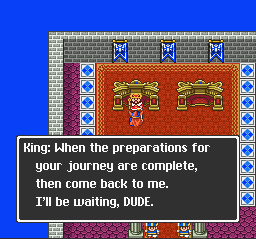
Dragon Quest VI: Realms of Revelation, known in Europe & Australia as Dragon Quest VI: Realms of Reverie, is a 1995 role-playing video game developed by Heartbeat and published by Enix for the Super Famicom as a part of the Dragon Quest series and as the last Dragon Quest game in the Zenithian Trilogy. It was released in Japan in December 1995, developed by Heartbeat; whereas the previous Dragon Quest games were developed by Chunsoft. In 2011, a remake of the game, along with Dragon Quest IV and Dragon Quest V, was released worldwide for the Nintendo DS, making this the first time the game was released in English. Another version of the game for Android and iOS devices was released in Japan in June 2015.
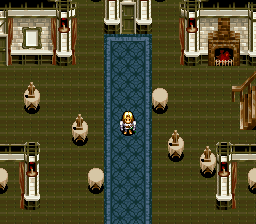
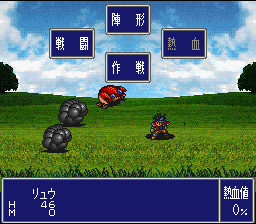
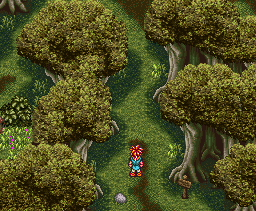
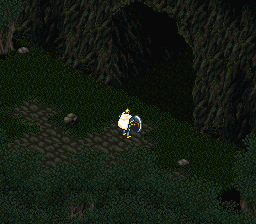
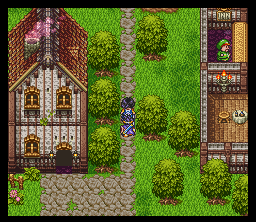
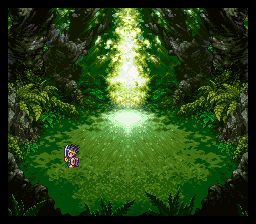
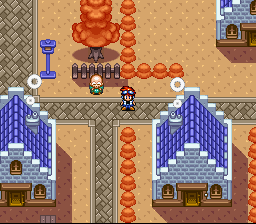
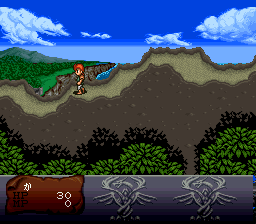
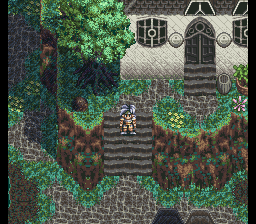
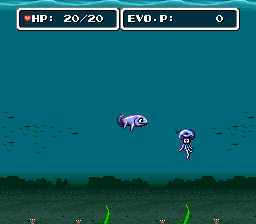
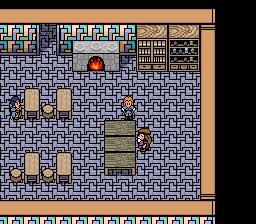
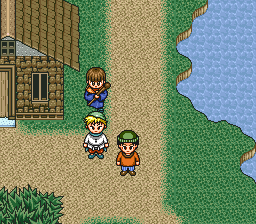
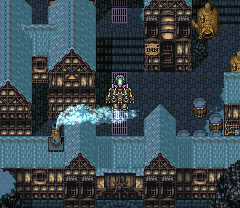
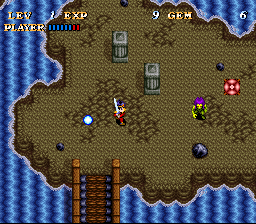
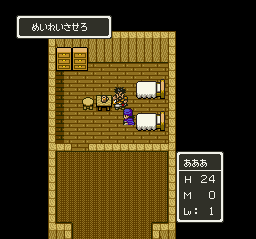
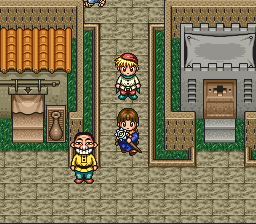
As the sixth installment to the Dragon Quest series, the graphics and gameplay remain close to the other games, with minor additions and upgrades. The graphics were vastly improved from Dragon Quest V, which was also for the Super Famicom, but had more rudimentary graphics due to being an early game on the console. Navigation remains largely unchanged from the previous games and the turn-based battles are still in first-person. The class system from Dragon Quest III returns, with minor adjustments. Dragon Quest VI sold over three million copies in Japan, becoming the best selling game of 1995. The DS version sold an additional one million copies by March 2010.
It came out only in Japan; this version has an unofficial English fan translation.
From Wikipedia's article Dragon Quest VI, licensed under CC BY-SA 4.0
Keyboard controls
| SNES | Player 1 | Player 2 |
|---|---|---|
| D-pad | ↑↓←→ | IKJL |
| A | Z | M |
| B | X | N |
| X | A | U |
| Y | S | H |
| L | Q | Y |
| R | E | O |
| Select | Shift | B |
| Start | Enter | Space |
Hotkeys
- 1 Quick save state
- 2 Quick load state
- 3 Change save slot
Gamepads are detected when you press a button. Remap any key from the emulator’s Controls menu (gear icon).
Online, both players use the Player 1 keys (or a gamepad) on their own computer. Saving, loading and pausing are off while you play online.
Live chat
Connecting…
Keyboard controls
| SNES | Player 1 | Player 2 |
|---|---|---|
| D-pad | ↑↓←→ | IKJL |
| A | Z | M |
| B | X | N |
| X | A | U |
| Y | S | H |
| L | Q | Y |
| R | E | O |
| Select | Shift | B |
| Start | Enter | Space |
Hotkeys
- 1 Quick save state
- 2 Quick load state
- 3 Change save slot
Gamepads are detected when you press a button. Remap any key from the emulator’s Controls menu (gear icon).
Online, both players use the Player 1 keys (or a gamepad) on their own computer. Saving, loading and pausing are off while you play online.
No reviews yet
We found no critic scores for this game, and too few players have rated it.
Review scorecard
- Graphics — Not scored Unavailable
- Sound — Not scored Unavailable
- Control — Not scored Unavailable
- Fun Factor — Not scored Unavailable
No category score or overall rating is available for the unscored slots.
Full reviews
Play online
Play with a friend on another computer. Host a room and send them the link, or list it in Open rooms for anyone to join; they play as Player 2 and you both see the same game.
Press Start Game first.
Go live
Let anyone watch you play, live in their browser. They see your game as you play it, and your online game when you host a room.
Press Start Game first.

Comments