Dragon Quest V

3.2K plays 1992 #RPG
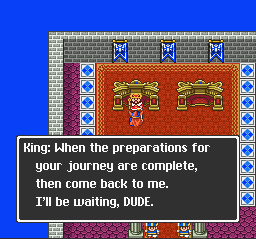
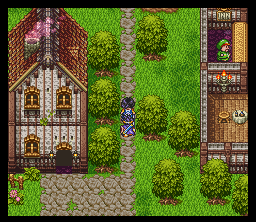
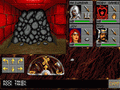
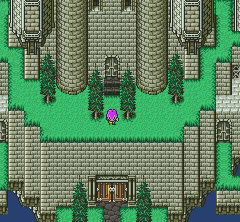
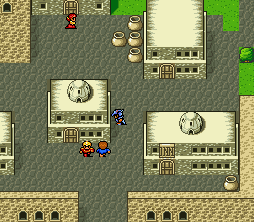
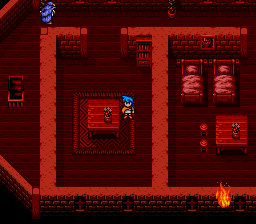
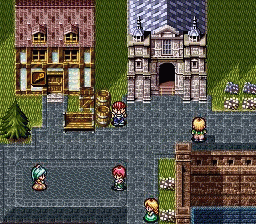
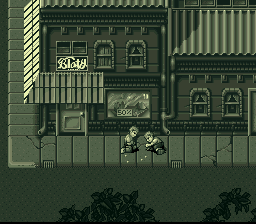
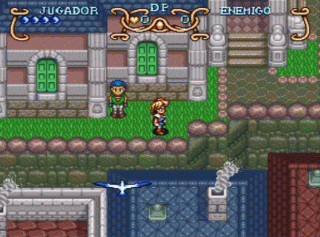
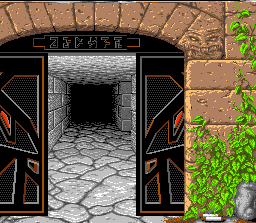
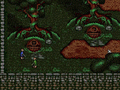
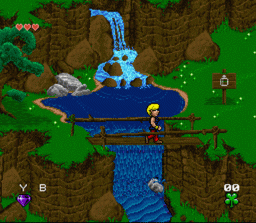
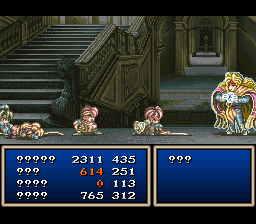
Dragon Quest V: Hand of the Heavenly Bride, known in Europe as Dragon Quest: The Hand of the Heavenly Bride and in Japan as Dragon Quest V: Bride of Heaven, is a 1992 role-playing video game developed by Chunsoft and published by Enix for the Super Famicom. The fifth main installment in the Dragon Quest series, the game was the first title in the franchise to not be initially localized in North America due to programming issues.
It later had an enhanced remake only in Japan for the PlayStation 2 in 2004. The remake was developed by ArtePiazza and Matrix Software. Another remake was made for the Nintendo DS, which was released in Japan in July 2008 and worldwide in February 2009; this marks the first time the game had officially released in English. In addition, ports for Android and iOS were released in Japan in December 2014, and worldwide the following month.
From Wikipedia's article Dragon Quest V, licensed under CC BY-SA 4.0
Keyboard controls
| SNES | Player 1 | Player 2 |
|---|---|---|
| D-pad | ↑↓←→ | IKJL |
| A | Z | M |
| B | X | N |
| X | A | U |
| Y | S | H |
| L | Q | Y |
| R | E | O |
| Select | Shift | B |
| Start | Enter | Space |
Hotkeys
- 1 Quick save state
- 2 Quick load state
- 3 Change save slot
Gamepads are detected when you press a button. Remap any key from the emulator’s Controls menu (gear icon).
Online, both players use the Player 1 keys (or a gamepad) on their own computer. Saving, loading and pausing are off while you play online.
Live chat
Connecting…
Keyboard controls
| SNES | Player 1 | Player 2 |
|---|---|---|
| D-pad | ↑↓←→ | IKJL |
| A | Z | M |
| B | X | N |
| X | A | U |
| Y | S | H |
| L | Q | Y |
| R | E | O |
| Select | Shift | B |
| Start | Enter | Space |
Hotkeys
- 1 Quick save state
- 2 Quick load state
- 3 Change save slot
Gamepads are detected when you press a button. Remap any key from the emulator’s Controls menu (gear icon).
Online, both players use the Player 1 keys (or a gamepad) on their own computer. Saving, loading and pausing are off while you play online.
Play online
Play with a friend on another computer. Host a room and send them the link; they join as Player 2 and you both see the same game.
Press Start Game first.
Go live
Let anyone watch you play, live in their browser. They see your game as you play it, and your online game when you host a room.
Press Start Game first.

Comments