E.V.O.: Search for Eden

0 plays 1993 #RPG
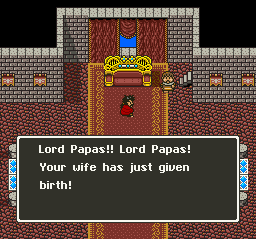
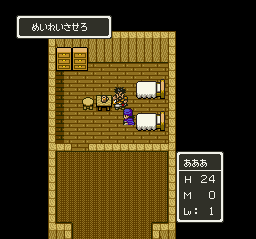
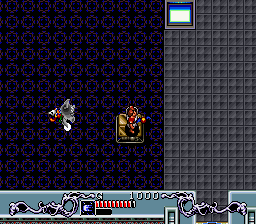
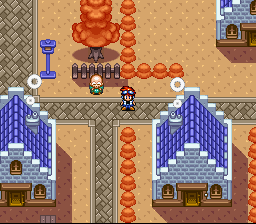
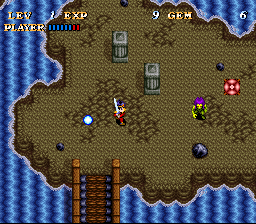
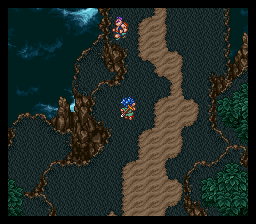
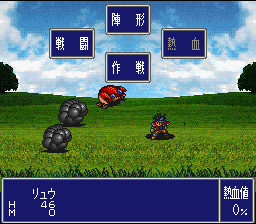
E.V.O.: Search for Eden is a 1992 action-adventure game developed by Almanic Corporation and published by Enix for the Super NES. Combining traditional platforming mechanics with experience and leveling mechanics originating from role playing games, E.V.O.: Search for Eden involves the player navigating a creature through a number of side-scrolling levels while undergoing bodily evolution to cope with ever-changing environments. It is heavily based on Almanic's original title, 46 Okunen Monogatari ~The Shinka Ron~ ( 4.6 Billion Year Story: The Theory of Evolution), released in Japan in 1990 for the PC-9801.
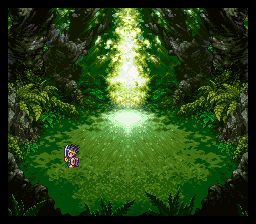
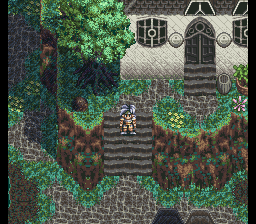
Spanning a period of over a billion years, the game's story involves Gaia, daughter of the sun and mystical embodiment of the Earth, guiding the player through five distinct geological periods of the planet's history. Beginning the game as a fish, the player must travel across the planet defeating enemies and gaining the strength to evolve into more powerful and complex organisms before eventually earning a chance to enter the paradise realm of Eden, becoming Gaia's immortal partner. Most critics enjoyed the originality of E.V.O.: Search for Eden, but criticized the tedious gameplay and subpar graphics.
From Wikipedia's article E.V.O.: Search for Eden, licensed under CC BY-SA 4.0
Keyboard controls
| SNES | Player 1 | Player 2 |
|---|---|---|
| D-pad | ↑↓←→ | IKJL |
| A | Z | M |
| B | X | N |
| X | A | U |
| Y | S | H |
| L | Q | Y |
| R | E | O |
| Select | Shift | B |
| Start | Enter | Space |
Hotkeys
- 1 Quick save state
- 2 Quick load state
- 3 Change save slot
Gamepads are detected when you press a button. Remap any key from the emulator’s Controls menu (gear icon).
Online, both players use the Player 1 keys (or a gamepad) on their own computer. Saving, loading and pausing are off while you play online.
Live chat
Connecting…
Keyboard controls
| SNES | Player 1 | Player 2 |
|---|---|---|
| D-pad | ↑↓←→ | IKJL |
| A | Z | M |
| B | X | N |
| X | A | U |
| Y | S | H |
| L | Q | Y |
| R | E | O |
| Select | Shift | B |
| Start | Enter | Space |
Hotkeys
- 1 Quick save state
- 2 Quick load state
- 3 Change save slot
Gamepads are detected when you press a button. Remap any key from the emulator’s Controls menu (gear icon).
Online, both players use the Player 1 keys (or a gamepad) on their own computer. Saving, loading and pausing are off while you play online.
No reviews yet
We found no critic scores for this game, and too few players have rated it.
Review scorecard
- Graphics — Not scored Unavailable
- Sound — Not scored Unavailable
- Control — Not scored Unavailable
- Fun Factor — Not scored Unavailable
No category score or overall rating is available for the unscored slots.
Full reviews
Play online
Play with a friend on another computer. Host a room and send them the link, or list it in Open rooms for anyone to join; they play as Player 2 and you both see the same game.
Press Start Game first.
Go live
Let anyone watch you play, live in their browser. They see your game as you play it, and your online game when you host a room.
Press Start Game first.
Comments