Mario Paint

0 plays #Educational
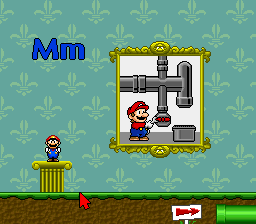
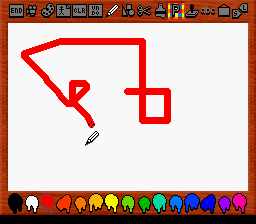
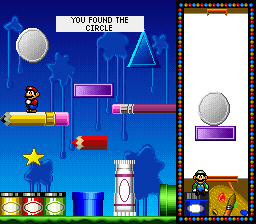
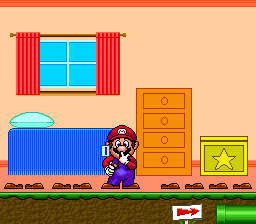
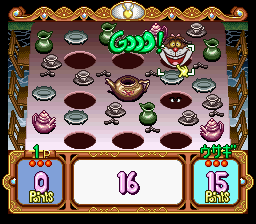
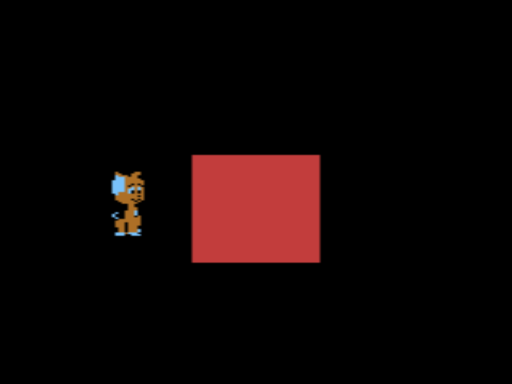
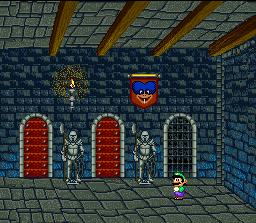
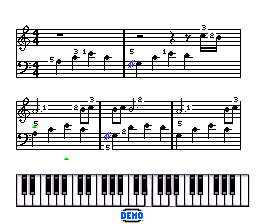
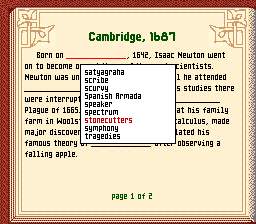
Mario Paint is a 1992 art creation video game developed by Nintendo Research & Development 1 (R&D1) and Intelligent Systems and published by Nintendo for the Super Nintendo Entertainment System. Mario Paint consists of a raster graphics editor, an animation program, a music composer, and a point and click minigame, all of which are designed to be used with the Super NES Mouse peripheral, which the game was packaged and sold with. Per its name, the game is Mario-themed, and features sprites and sound effects that are taken from or in the vein of Super Mario World.
Mario Paint sold very well following its release and is one of the best-selling SNES games, with over 2.3 million copies sold. The game was released to fairly positive contemporaneous reviews; critics highlighted its accessibility, features, innovative design, and educational potential, but criticized limitations on creation that rendered it unviable for serious creation. Retrospective reviews have been more positive, praising the game as "memorable", "addictive", "unique", and "ingenious", and it has been deemed one of the best SNES games of all time. Mario Paint's music composer in particular has been used to create original songs, covers, and remixes using the game's sounds and limitations.
From Wikipedia's article Mario Paint, licensed under CC BY-SA 4.0
Keyboard controls
| SNES | Player 1 | Player 2 |
|---|---|---|
| D-pad | ↑↓←→ | IKJL |
| A | Z | M |
| B | X | N |
| X | A | U |
| Y | S | H |
| L | Q | Y |
| R | E | O |
| Select | Shift | B |
| Start | Enter | Space |
Hotkeys
- 1 Quick save state
- 2 Quick load state
- 3 Change save slot
Gamepads are detected when you press a button. Remap any key from the emulator’s Controls menu (gear icon).
Online, both players use the Player 1 keys (or a gamepad) on their own computer. Saving, loading and pausing are off while you play online.
Live chat
Connecting…
Keyboard controls
| SNES | Player 1 | Player 2 |
|---|---|---|
| D-pad | ↑↓←→ | IKJL |
| A | Z | M |
| B | X | N |
| X | A | U |
| Y | S | H |
| L | Q | Y |
| R | E | O |
| Select | Shift | B |
| Start | Enter | Space |
Hotkeys
- 1 Quick save state
- 2 Quick load state
- 3 Change save slot
Gamepads are detected when you press a button. Remap any key from the emulator’s Controls menu (gear icon).
Online, both players use the Player 1 keys (or a gamepad) on their own computer. Saving, loading and pausing are off while you play online.
No reviews yet
We found no critic scores for this game, and too few players have rated it.
Review scorecard
- Graphics — Not scored Unavailable
- Sound — Not scored Unavailable
- Control — Not scored Unavailable
- Fun Factor — Not scored Unavailable
No category score or overall rating is available for the unscored slots.
Full reviews
Play online
Play with a friend on another computer. Host a room and send them the link, or list it in Open rooms for anyone to join; they play as Player 2 and you both see the same game.
Press Start Game first.
Go live
Let anyone watch you play, live in their browser. They see your game as you play it, and your online game when you host a room.
Press Start Game first.
Comments