EarthBound Beginnings (Mother)

83K plays 1989 #RPG
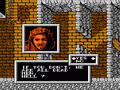
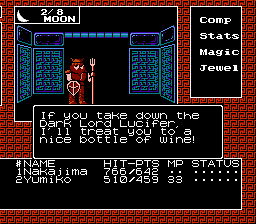
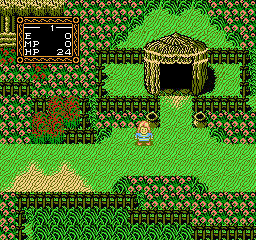
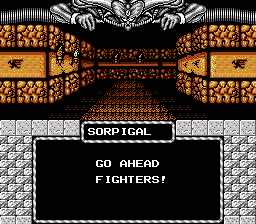
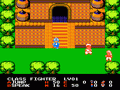
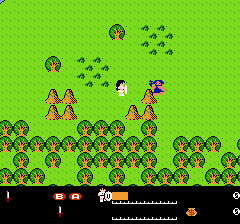
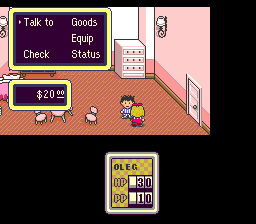
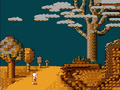
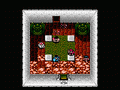
EarthBound Beginnings, originally released in Japan as Mother, is a 1989 role-playing video game developed by Ape Inc. and Nintendo and published by Nintendo for the Family Computer. It is the first entry in the Mother series and was first released in Japan on July 27, 1989. The game was re-released in Japan along with its sequel on the single-cartridge compilation Mother 1+2 for the Game Boy Advance in 2003. The game follows a young American boy named Ninten as he uses his great-grandfather's studies on psychic powers to put an end to the paranormal phenomena spiraling the country into disarray.
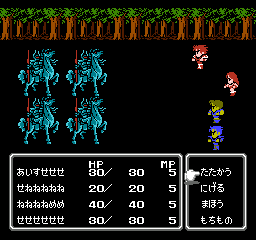
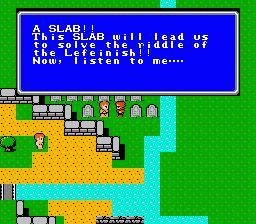
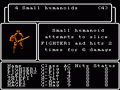
Writer and director Shigesato Itoi pitched Mother's concept to Shigeru Miyamoto while visiting Nintendo's headquarters for other business. Though Miyamoto rejected the proposal at first, he eventually gave Itoi a development team. Modeled after the gameplay of the Dragon Quest series, Mother subverted its fantasy genre contemporaries by being set in an offbeat parody of the late 20th-century United States. Itoi sought to incorporate standard RPG staples within the framework of a modern-day setting, parodying Western culture and Americana. As such, throughout the game, players use medication and hospitals to restore their health, utilize baseball bats and toy guns to fight enemies, and encounter aliens, robots, possessed objects, and brainwashed animals and humans. Mother uses random encounters to enter a menu-based, first-person perspective battle system.
From Wikipedia's article EarthBound Beginnings, licensed under CC BY-SA 4.0
Keyboard controls
| NES | Player 1 | Player 2 |
|---|---|---|
| D-pad | ↑↓←→ | IKJL |
| B | Z | N |
| A | X | M |
| Select | Shift | B |
| Start | Enter | Space |
Hotkeys
- 1 Quick save state
- 2 Quick load state
- 3 Change save slot
Gamepads are detected when you press a button. Remap any key from the emulator’s Controls menu (gear icon).
Live chat
Connecting…
Keyboard controls
| NES | Player 1 | Player 2 |
|---|---|---|
| D-pad | ↑↓←→ | IKJL |
| B | Z | N |
| A | X | M |
| Select | Shift | B |
| Start | Enter | Space |
Hotkeys
- 1 Quick save state
- 2 Quick load state
- 3 Change save slot
Gamepads are detected when you press a button. Remap any key from the emulator’s Controls menu (gear icon).
Go live
Let anyone watch you play, live in their browser. They see your game as you play it.
Press Start Game first.
Comments