The Krion Conquest

46K plays 1990 #Action#Platform
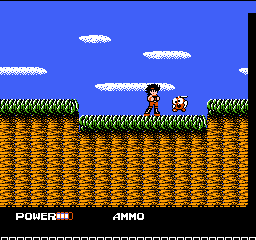
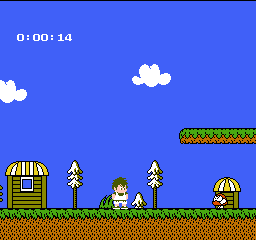
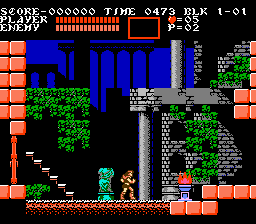
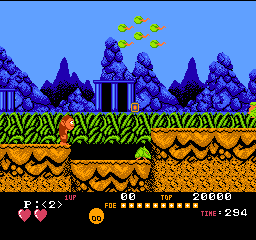
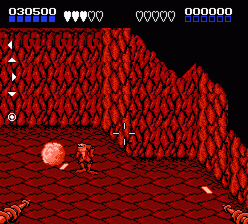
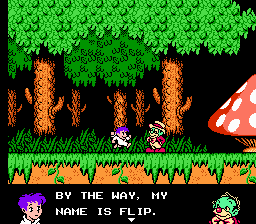
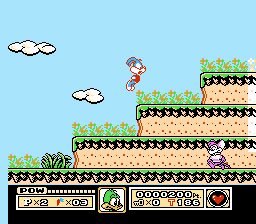
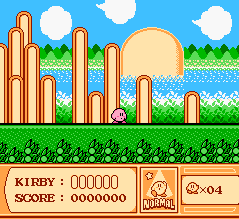
The Krion Conquest or more simply Magical Doropie (まじかるどろぴー), is a side-scrolling action-adventure video game for the Nintendo Entertainment System, developed by Vic Tokai in 1990. Later, Genki Mobile ported the game to Japanese mobile phones.
From Wikipedia's article The Krion Conquest
Keyboard controls
| NES | Player 1 | Player 2 |
|---|---|---|
| D-pad | ↑↓←→ | IKJL |
| B | Z | N |
| A | X | M |
| Select | Shift | B |
| Start | Enter | Space |
Hotkeys
- 1 Quick save state
- 2 Quick load state
- 3 Change save slot
Gamepads are detected when you press a button. Remap any key from the emulator’s Controls menu (gear icon).
Online, both players use the Player 1 keys (or a gamepad) on their own computer. Saving, loading and pausing are off while you play online.
Live chat
Connecting…
Keyboard controls
| NES | Player 1 | Player 2 |
|---|---|---|
| D-pad | ↑↓←→ | IKJL |
| B | Z | N |
| A | X | M |
| Select | Shift | B |
| Start | Enter | Space |
Hotkeys
- 1 Quick save state
- 2 Quick load state
- 3 Change save slot
Gamepads are detected when you press a button. Remap any key from the emulator’s Controls menu (gear icon).
Online, both players use the Player 1 keys (or a gamepad) on their own computer. Saving, loading and pausing are off while you play online.
2.0 Could be better
Hippon Super! 5/10 · 1 review
Review scorecard
- Graphics 2.0 out of 5 Overall fallback
- Sound 2.0 out of 5 Overall fallback
- Control 2.0 out of 5 Overall fallback
- Fun Factor 2.0 out of 5 Overall fallback
Overall fallback: Hippon Super! 5/10 · 1 review. Overall source The same 50/100 overall rating fills missing categories using the face scale; these are not separate category scores.
What the reviews talk about
Key wordsfun
Scores
- 50 Hippon Super!1991 5/10
From the review table in Wikipedia's The Krion Conquest article.
Full reviews
Play online
Play with a friend on another computer. Host a room and send them the link, or list it in Open rooms for anyone to join; they play as Player 2 and you both see the same game.
Press Start Game first.
Go live
Let anyone watch you play, live in their browser. They see your game as you play it, and your online game when you host a room.
Press Start Game first.
Comments