Down the World: Mervil's Ambition

0 plays 1994 #RPG
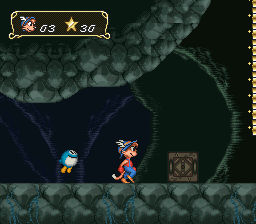
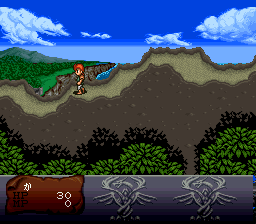
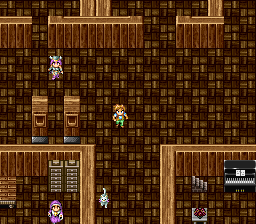
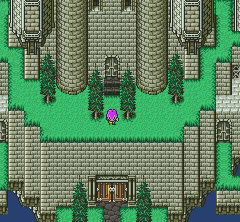
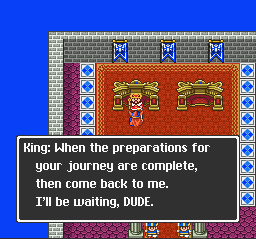
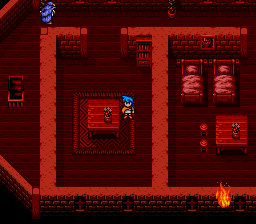
Down the World: Mervil's Ambition is a role-playing video game (RPG) developed and published by ASCII Corporation for the Super Famicom. The plot follows the knight Gao, tasked with accompanying a hero (the player) in rescuing an ailing princess and preventing the end of all life.
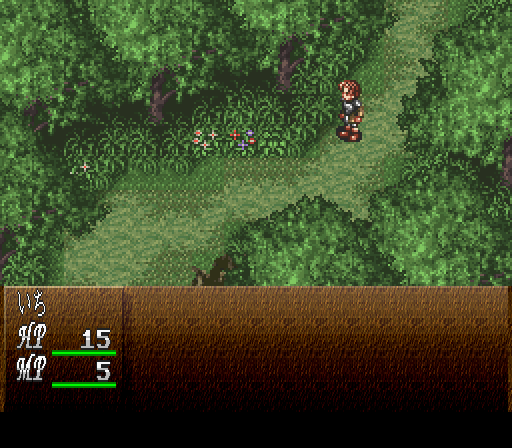
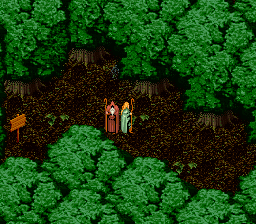
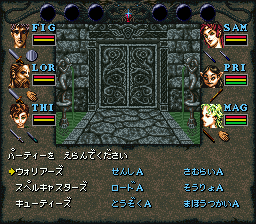
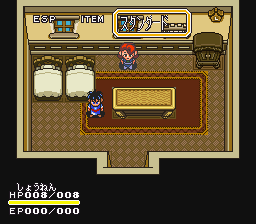
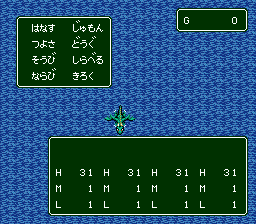
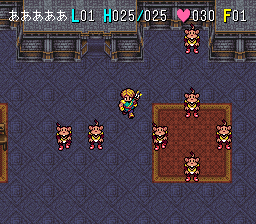
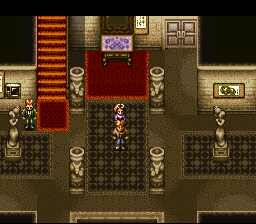
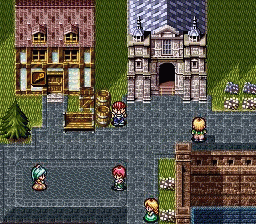
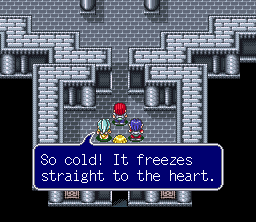
Down the World contains traditional gameplay tropes from console RPGs such as exploration of dungeons, recruitment of new party members, and completion of quests to advance the plot. The game's turn-based battles with enemies are largely automatic, where the player chooses from a set of tactical formations containing roles for characters to act out.
Lyricist Chinfa Kan penned the story of Down the World as a film before it became an RPG. The game was once considered for the cancelled Super Famicom CD-ROM Adapter before development moved to the cartridge-based system. Down the World was directed by Hiromitsu Kawano, produced by Hirokazu Hamamura, and features character and monster designs by Susumu Matsushita. It was released exclusively in Japan on September 30, 1994.
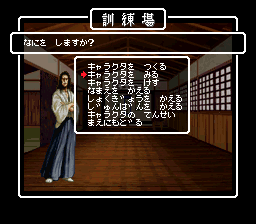
This is the Japanese release, so its text is in Japanese.
From Wikipedia's article Down the World: Mervil's Ambition, licensed under CC BY-SA 4.0
Keyboard controls
| SNES | Player 1 | Player 2 |
|---|---|---|
| D-pad | ↑↓←→ | IKJL |
| A | Z | M |
| B | X | N |
| X | A | U |
| Y | S | H |
| L | Q | Y |
| R | E | O |
| Select | Shift | B |
| Start | Enter | Space |
Hotkeys
- 1 Quick save state
- 2 Quick load state
- 3 Change save slot
Gamepads are detected when you press a button. Remap any key from the emulator’s Controls menu (gear icon).
Online, both players use the Player 1 keys (or a gamepad) on their own computer. Saving, loading and pausing are off while you play online.
Live chat
Connecting…
Keyboard controls
| SNES | Player 1 | Player 2 |
|---|---|---|
| D-pad | ↑↓←→ | IKJL |
| A | Z | M |
| B | X | N |
| X | A | U |
| Y | S | H |
| L | Q | Y |
| R | E | O |
| Select | Shift | B |
| Start | Enter | Space |
Hotkeys
- 1 Quick save state
- 2 Quick load state
- 3 Change save slot
Gamepads are detected when you press a button. Remap any key from the emulator’s Controls menu (gear icon).
Online, both players use the Player 1 keys (or a gamepad) on their own computer. Saving, loading and pausing are off while you play online.
No reviews yet
We found no critic scores for this game, and too few players have rated it.
Review scorecard
- Graphics — Not scored Unavailable
- Sound — Not scored Unavailable
- Control — Not scored Unavailable
- Fun Factor — Not scored Unavailable
No category score or overall rating is available for the unscored slots.
Full reviews
Play online
Play with a friend on another computer. Host a room and send them the link, or list it in Open rooms for anyone to join; they play as Player 2 and you both see the same game.
Press Start Game first.
Go live
Let anyone watch you play, live in their browser. They see your game as you play it, and your online game when you host a room.
Press Start Game first.
Comments