32 in 1 Game Cartridge

12K plays 1988 #Others
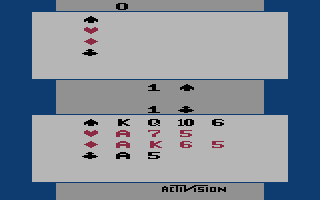
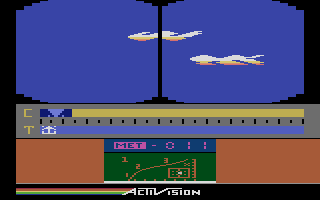
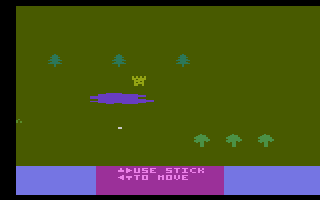
32 in 1 Game Cartridge was a multi-game compilation released in PAL format for Europe, Australia, and New Zealand. It was most commonly bundled with the Atari 2600 in the United Kingdom and with the Atari 7800 in Australia and New Zealand, although it was also sold separately as a boxed product for the Atari 2600. A different game was automatically selected each time the console was powered on or reset.
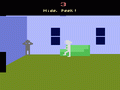
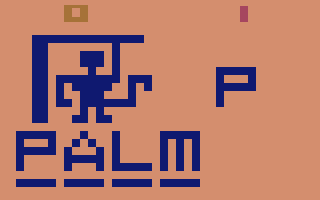
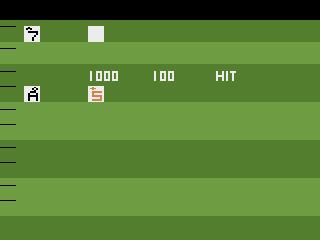
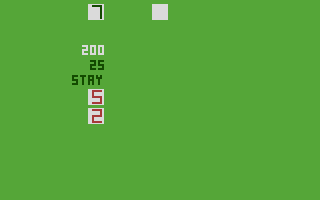
The cartridge contained 32 games for the Atari 2600, all based on early-generation 2 kB titles. Many of these were graphical hacks of games originally developed by Activision, with company logos removed and certain game elements altered. For example, in Fishing, players caught crabs instead of fish as in the original Fishing Derby, while in Freeway Rabbit, rabbits replaced the chickens from Freeway. Switching between games was performed by resetting the console, which loaded a different title each time. Because this behavior is not supported by the online emulator on this page, players can instead switch between individual games by clicking on their titles in the list below.
Text: RetroGames.cz, licensed under CC BY-SA 3.0
Keyboard controls
| Atari 2600 | Player 1 | Player 2 |
|---|---|---|
| D-pad | ↑↓←→ | IKJL |
| Fire | Z | N |
| Game Select | Shift | |
| Game Reset | Enter |
Hotkeys
- 1 Quick save state
- 2 Quick load state
- 3 Change save slot
Most games start with Game Reset. Paddle games (Breakout, Kaboom!…) need a gamepad stick.
Gamepads are detected when you press a button. Remap any key from the emulator’s Controls menu (gear icon).
Live chat
Connecting…
Keyboard controls
| Atari 2600 | Player 1 | Player 2 |
|---|---|---|
| D-pad | ↑↓←→ | IKJL |
| Fire | Z | N |
| Game Select | Shift | |
| Game Reset | Enter |
Hotkeys
- 1 Quick save state
- 2 Quick load state
- 3 Change save slot
Most games start with Game Reset. Paddle games (Breakout, Kaboom!…) need a gamepad stick.
Gamepads are detected when you press a button. Remap any key from the emulator’s Controls menu (gear icon).












Comments