Video Checkers
31K plays 1980 #Puzzle
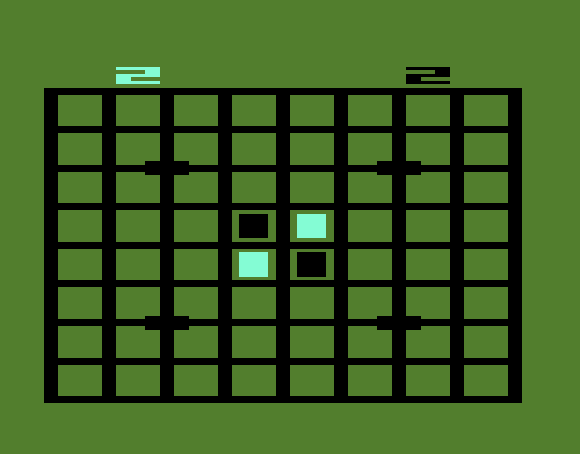
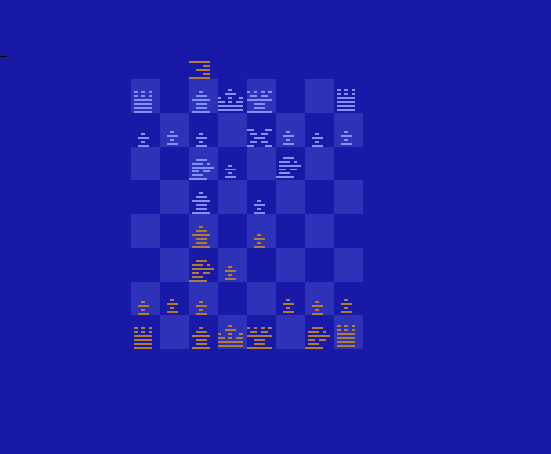
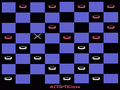
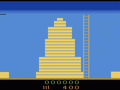
Video Checkers is a 1980 strategy video game developed and published by Atari, Inc. for the Atari 2600. It is a simulation of the strategy board game checkers where the player is tasked with eliminating or obstructing the movement of all their opponents pieces. Alongside traditional gameplay, either against a computer or human opponent, there is the giveaway checkers ruleset where the goal is to reach a losing state.
From Wikipedia's article Video Checkers
Keyboard controls
| Atari 2600 | Player 1 | Player 2 |
|---|---|---|
| D-pad | ↑↓←→ | IKJL |
| Fire | Z | N |
| Game Select | Shift | |
| Game Reset | Enter |
Hotkeys
- 1 Quick save state
- 2 Quick load state
- 3 Change save slot
Most games start with Game Reset. Paddle games (Breakout, Kaboom!…) need a gamepad stick.
Gamepads are detected when you press a button. Remap any key from the emulator’s Controls menu (gear icon).
From the manual, page 2
Live chat
Connecting…
Keyboard controls
| Atari 2600 | Player 1 | Player 2 |
|---|---|---|
| D-pad | ↑↓←→ | IKJL |
| Fire | Z | N |
| Game Select | Shift | |
| Game Reset | Enter |
Hotkeys
- 1 Quick save state
- 2 Quick load state
- 3 Change save slot
Most games start with Game Reset. Paddle games (Breakout, Kaboom!…) need a gamepad stick.
Gamepads are detected when you press a button. Remap any key from the emulator’s Controls menu (gear icon).
From the manual, page 2
2.0 Could be better
Players 56 · 48 votes
No critic scores found for this game: this is the players' rating.
Review scorecard
- Graphics 2.0 out of 5 Overall fallback
- Sound 2.0 out of 5 Overall fallback
- Control 2.0 out of 5 Overall fallback
- Fun Factor 2.0 out of 5 Overall fallback
Overall fallback: Players 56 · 48 votes. The same 56/100 overall rating fills missing categories using the face scale; these are not separate category scores. Player rating; no critic scores available.
What the reviews talk about
Key wordssluggishchallenging
Full reviews
Go live
Let anyone watch you play, live in their browser. They see your game as you play it.
Press Start Game first.
Comments