Fire Emblem: Seisen no Keifu

0 plays 1996 #Strategy
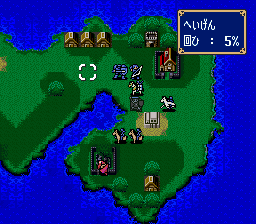
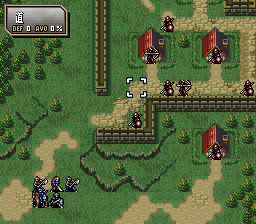
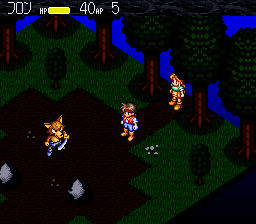
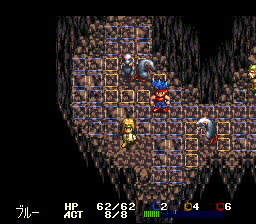
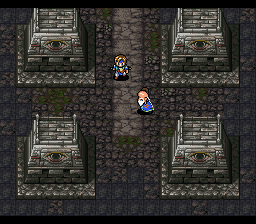
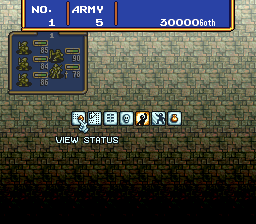
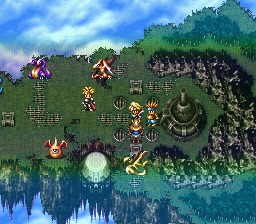
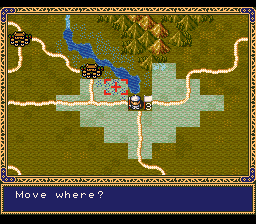
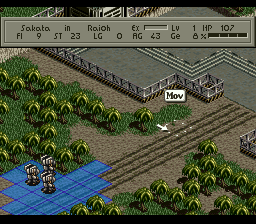
Fire Emblem: Genealogy of the Holy War is a 1996 tactical role-playing game developed by Intelligent Systems and published by Nintendo for the Super Famicom. It is the fourth installment of the Fire Emblem series, and the second to be developed for the platform. Genealogy of the Holy War takes place on the continent of Jugdral, split between eight countries founded by the Twelve Crusaders, an ancient group of soldiers who ended the rule of the ancient dragon Loptous with divine aid. In the present, a cult working to revive Loptous stirs up war among the countries. The story is told over two generations—the first generation follows the Grannvalian prince Sigurd, while the second follows his son Seliph as he works to defeat the cult and avenge his father. Gameplay follows the traditional Fire Emblem system of tactical battles taking place on grid-based maps, while adding the Weapon Triangle and Support systems, which directly impacted both gameplay and story.
It came out only in Japan; this version has an unofficial English fan translation.
From Wikipedia's article Fire Emblem: Genealogy of the Holy War, licensed under CC BY-SA 4.0
Keyboard controls
| SNES | Player 1 | Player 2 |
|---|---|---|
| D-pad | ↑↓←→ | IKJL |
| A | Z | M |
| B | X | N |
| X | A | U |
| Y | S | H |
| L | Q | Y |
| R | E | O |
| Select | Shift | B |
| Start | Enter | Space |
Hotkeys
- 1 Quick save state
- 2 Quick load state
- 3 Change save slot
Gamepads are detected when you press a button. Remap any key from the emulator’s Controls menu (gear icon).
Online, both players use the Player 1 keys (or a gamepad) on their own computer. Saving, loading and pausing are off while you play online.
Live chat
Connecting…
Keyboard controls
| SNES | Player 1 | Player 2 |
|---|---|---|
| D-pad | ↑↓←→ | IKJL |
| A | Z | M |
| B | X | N |
| X | A | U |
| Y | S | H |
| L | Q | Y |
| R | E | O |
| Select | Shift | B |
| Start | Enter | Space |
Hotkeys
- 1 Quick save state
- 2 Quick load state
- 3 Change save slot
Gamepads are detected when you press a button. Remap any key from the emulator’s Controls menu (gear icon).
Online, both players use the Player 1 keys (or a gamepad) on their own computer. Saving, loading and pausing are off while you play online.
No reviews yet
We found no critic scores for this game, and too few players have rated it.
Review scorecard
- Graphics — Not scored Unavailable
- Sound — Not scored Unavailable
- Control — Not scored Unavailable
- Fun Factor — Not scored Unavailable
No category score or overall rating is available for the unscored slots.
Full reviews
Play online
Play with a friend on another computer. Host a room and send them the link, or list it in Open rooms for anyone to join; they play as Player 2 and you both see the same game.
Press Start Game first.
Go live
Let anyone watch you play, live in their browser. They see your game as you play it, and your online game when you host a room.
Press Start Game first.
Comments