Space Rogue
0 plays 1989 #Simulation
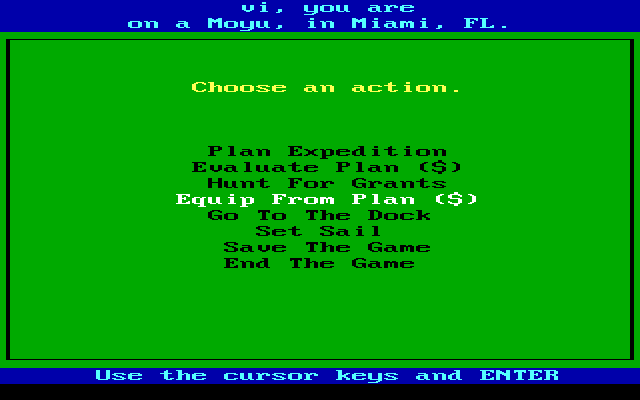
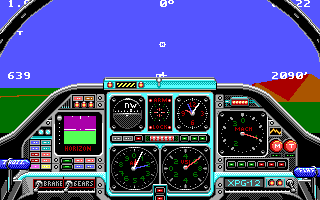
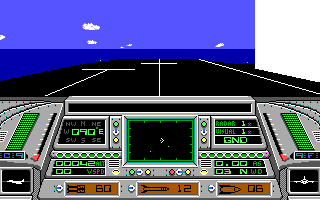
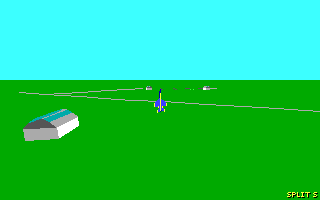
Space Rogue is a space flight simulation video game developed by Origin Systems and published by Origin Systems, Wave Brain, and Night Dive Studios. The game was released in 1989 for Apple II and Commodore 64; the series was later ported to MS-DOS, Classic Mac OS, Amiga, and Atari ST. The game was also released in the Japanese language for PC-98, X68000, and FM Towns. The FM Towns version had its intro remade with slight animations and new illustrations, along with scrolling Japanese text, and exclusive CD quality background music. Taking place within the Far Arm of the Milky Way galaxy, Space Rogue's main story revolves around the player character's efforts to pursue a career and undertake long-range goals beyond his immediate mission.
The game features elements of a role-playing game, like the much later X Rebirth and Elite Dangerous. It is notable for being the first game designed for Origin by Paul Neurath, who went on to found Blue Sky Productions (later renamed Looking Glass Studios).
Space Rogue can be considered as the spiritual predecessor to Origin's Wing Commander series. The press release for Space Rogue stated that it is "the first of its kind in science-fiction/3D space flight simulation. An ORIGIN Cinematic Experience", implying that Space Rogue was originally meant to be a series of its own ('Ultima in Space'), before later on Origin turned to the Wing Commander series instead. In 2016, Night Dive Studios reacquired the rights and re-released it.
From Wikipedia's article Space Rogue, licensed under CC BY-SA 4.0
Controls
This is a PC game: it uses the keyboard the way it did under MS-DOS, and the mouse where the game supports it. Click the game screen first so it gets your key presses.
Many DOS games start with a menu or ask a question first — read the screen and answer with the keyboard. Arrow keys, Enter, Space, Ctrl and Alt are the usual game keys.
Live chat
Connecting…
Controls
This is a PC game: it uses the keyboard the way it did under MS-DOS, and the mouse where the game supports it. Click the game screen first so it gets your key presses.
Many DOS games start with a menu or ask a question first — read the screen and answer with the keyboard. Arrow keys, Enter, Space, Ctrl and Alt are the usual game keys.
No reviews yet
We found no critic scores for this game, and too few players have rated it.
Review scorecard
- Graphics — Not scored Unavailable
- Sound — Not scored Unavailable
- Control — Not scored Unavailable
- Fun Factor — Not scored Unavailable
No category score or overall rating is available for the unscored slots.
Comments