King's Quest IV: The Perils of Rosella
0 plays 1988 #Adventure
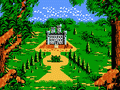
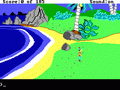
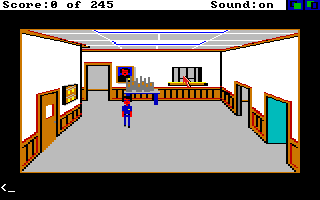
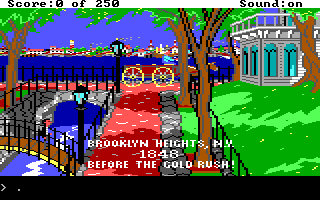
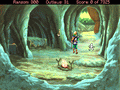
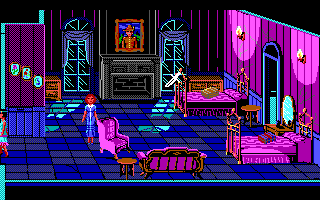
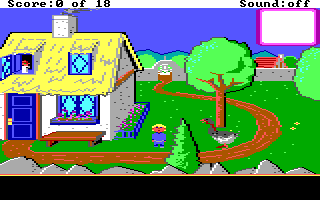
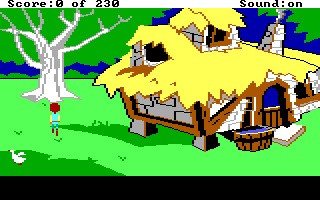
King's Quest IV: The Perils of Rosella is an adventure game developed by Sierra On-Line and published originally for PCs and home computers in 1988 as the fourth entry in the King's Quest series. The game follows Rosella, princess of Daventry, as she journeys through the pseudo-medieval fairy tale-inspired fantasy realm of Tamir, on a quest to find a magic fruit that can heal her father King Graham. It is presented as an interconnected set of locations, or flip-screens, with a pseudo-3D art style. The player interacts with locations and items using text commands, and must avoid numerous hazards and obstacles in their quest.
King's Quest IV was developed by Sierra using two game engines: an expanded version of the engine that was originally developed for King's Quest I (1984), the Adventure Game Interpreter, and a new engine that was capable of better animation and sound but could not run on older computers, the Sierra Creative Interpreter. It was designed by Sierra co-founder Roberta Williams as a blend of common fairy tales and fantasy tropes, and she believed that having a woman protagonist would attract female players without having an impact on the male playerbase. She added a strict in-game time limit to give players a sense of urgency in completing the quest. To showcase the sound capabilities of the new engine, Sierra hired composer William Goldstein to write 40 minutes of music for the game.
From Wikipedia's article King's Quest IV, licensed under CC BY-SA 4.0
Controls
This is a PC game: it uses the keyboard the way it did under MS-DOS, and the mouse where the game supports it. Click the game screen first so it gets your key presses.
Many DOS games start with a menu or ask a question first — read the screen and answer with the keyboard. Arrow keys, Enter, Space, Ctrl and Alt are the usual game keys.
Live chat
Connecting…
Controls
This is a PC game: it uses the keyboard the way it did under MS-DOS, and the mouse where the game supports it. Click the game screen first so it gets your key presses.
Many DOS games start with a menu or ask a question first — read the screen and answer with the keyboard. Arrow keys, Enter, Space, Ctrl and Alt are the usual game keys.
No reviews yet
We found no critic scores for this game, and too few players have rated it.
Review scorecard
- Graphics — Not scored Unavailable
- Sound — Not scored Unavailable
- Control — Not scored Unavailable
- Fun Factor — Not scored Unavailable
No category score or overall rating is available for the unscored slots.
Comments