Exerion

52K plays 1983 #Shooter
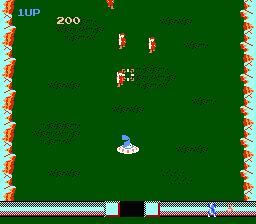
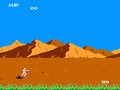
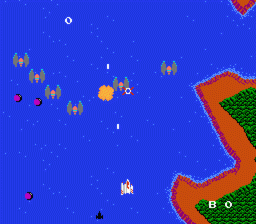
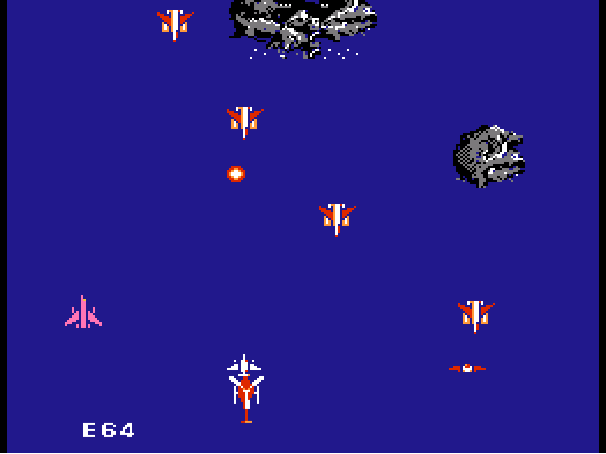
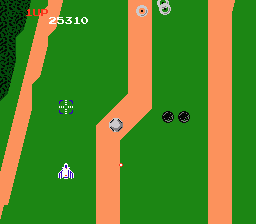
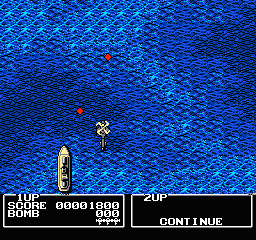
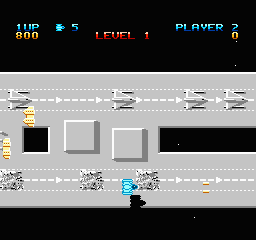
Exerion is a 1983 shoot 'em up video game developed by Kawa Denshi Giken and published by Jaleco for arcades. It was released in North America by Taito. The player controls a starship and must fire at enemies on the screen while avoiding projectiles. The game uses a pseudo-3D scrolling background, giving a sense of depth, and the player's ship has a sense of inertia while it is being controlled with the joystick.
Exerion was ported to the MSX, Family Computer, and SG-1000. Two sequels were released.
From Wikipedia's article Exerion
Keyboard controls
| NES | Player 1 | Player 2 |
|---|---|---|
| D-pad | ↑↓←→ | IKJL |
| B | Z | N |
| A | X | M |
| Select | Shift | B |
| Start | Enter | Space |
Hotkeys
- 1 Quick save state
- 2 Quick load state
- 3 Change save slot
Gamepads are detected when you press a button. Remap any key from the emulator’s Controls menu (gear icon).
Online, both players use the Player 1 keys (or a gamepad) on their own computer. Saving, loading and pausing are off while you play online.
Live chat
Connecting…
Keyboard controls
| NES | Player 1 | Player 2 |
|---|---|---|
| D-pad | ↑↓←→ | IKJL |
| B | Z | N |
| A | X | M |
| Select | Shift | B |
| Start | Enter | Space |
Hotkeys
- 1 Quick save state
- 2 Quick load state
- 3 Change save slot
Gamepads are detected when you press a button. Remap any key from the emulator’s Controls menu (gear icon).
Online, both players use the Player 1 keys (or a gamepad) on their own computer. Saving, loading and pausing are off while you play online.
4.0 Great job!
Tilt 4/5 · 1 review
Review scorecard
- Graphics 4.0 out of 5 Overall fallback
- Sound 4.0 out of 5 Overall fallback
- Control 4.0 out of 5 Overall fallback
- Fun Factor 4.0 out of 5 Overall fallback
Overall fallback: Tilt 4/5 · 1 review. Overall source The same 80/100 overall rating fills missing categories using the face scale; these are not separate category scores.
Scores
- 80 Tilt1984 4/5
From the review table in Wikipedia's Exerion article.
Full reviews
Play online
Play with a friend on another computer. Host a room and send them the link, or list it in Open rooms for anyone to join; they play as Player 2 and you both see the same game.
Press Start Game first.
Go live
Let anyone watch you play, live in their browser. They see your game as you play it, and your online game when you host a room.
Press Start Game first.
Comments