Eamon
19K plays 1980 #RPG#Adventure
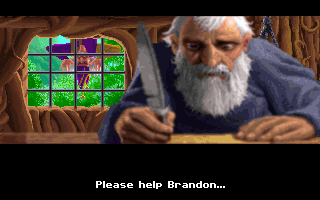
Eamon, sometimes known by the longer title The Wonderful World of Eamon, is a role-playing adventure game created by Donald Brown and released for the Apple II in 1980. The game is a text adventure similar to other early titles like Adventure (1976) or Zork (1980) and to later text-based multi-user dungeons (MUDs), though with many role-playing elements not available in other interactive fiction. Eamon software is non-commercial and is freely available in the public domain.
The main game consists of the Eamon Master disk, which has the Main Hall and a short adventure called the Beginner's Cave. You start the game in the Main Hall, where you create a new character or select an old character. You are able to buy weapons, spells, and armor and go on your adventure. Weapons come in five different types: Axe, Bow, Mace, Spear, and Sword. There are three types of armor: Leather, Chain, and Plate. There are also several spells: Blast, a damage spell; Power, which has random effects, Heal, which cures you; and Speed, which increases your chance to hit.
Character development is fairly simple. Your character starts with random stats in three categories: Hardiness (how much you can carry and the amount of damage you can take), Agility (How good you are in combat) and Charisma (Affects the costs of items in the store and the friendliness of monsters). You also has percentage ratings for each of the weapon types that determine, along with the armor penalty, whether you can hit or not. These percentage ratings have a chance of going up every time you hit a monster with that type of weapon.
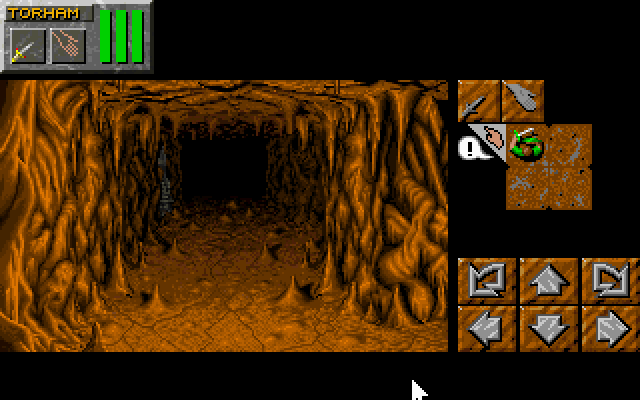
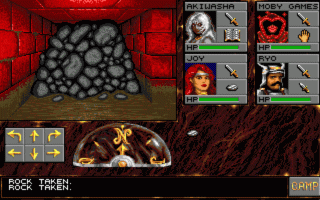
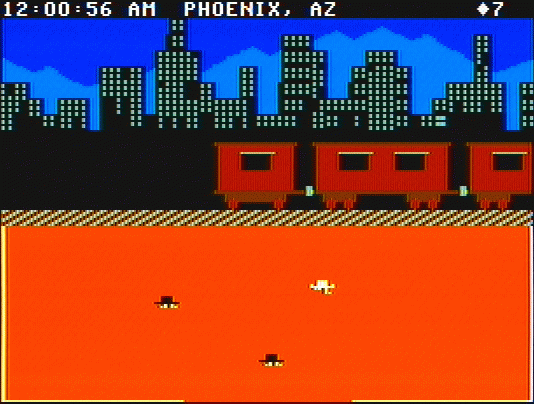
The game is entirely text-based, though the construction set allows the addition of graphics. You interact with the environment typing simple one or two-word game commands such as ATTACK RAT, INVENTORY, or NORTH. There is no option to save your game, so death is often quick, sudden, and final.
Text: Wikipedia via RetroGames.cz, licensed under CC BY-SA 3.0
Controls
This is a PC game: it uses the keyboard the way it did under MS-DOS, and the mouse where the game supports it. Click the game screen first so it gets your key presses.
Many DOS games start with a menu or ask a question first — read the screen and answer with the keyboard. Arrow keys, Enter, Space, Ctrl and Alt are the usual game keys.
Live chat
Connecting…
Controls
This is a PC game: it uses the keyboard the way it did under MS-DOS, and the mouse where the game supports it. Click the game screen first so it gets your key presses.
Many DOS games start with a menu or ask a question first — read the screen and answer with the keyboard. Arrow keys, Enter, Space, Ctrl and Alt are the usual game keys.
Comments