Double Dragon 3: The Rosetta Stone
0 plays 1991 #Fighting
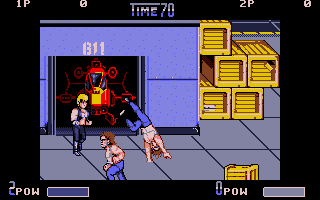
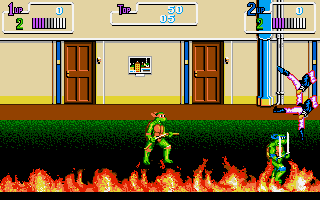
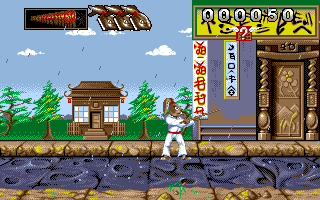
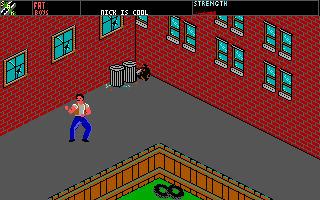
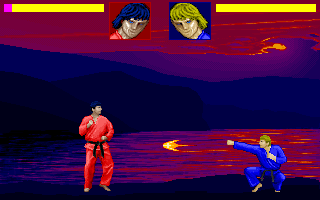
Double Dragon 3: The Rosetta Stone is a 1990 beat 'em up video game developed by East Technology and published by Technōs Japan for arcades. It is the third arcade game in the Double Dragon series and the first to not be developed by Technōs Japan.
As in the previous games of the series, players control twin martial artists Billy and Jimmy Lee, as they are approached by a mysterious fortune teller named Hiruko, who sends them on a worldwide journey to retrieve three mystical Rosetta Stones and uncover the mystery surrounding them in Egypt. Similar to The Combatribes, which ran on similar hardware, the game can be set for up to two or three players depending on the cabinet, with the third player controlling a new Lee sibling named Sonny. The U.S. version also features item shops where players could use additional credits to purchase in-game items such as weapons, additional moves and new playable characters in one of the earliest forms of microtransactions in a video game, although this system would end up being removed in the later-released Japanese version of the game in favor of a conventional character select feature similar to Golden Axe or Final Fight.
The game's arcade release was followed by home versions for the Genesis, Game Boy and various personal computers. In 2013, emulated versions of the arcade original for various platforms were officially released by DotEmu along with the previous two arcade games in a bundle called Double Dragon Trilogy.
From Wikipedia's article Double Dragon 3: The Rosetta Stone, licensed under CC BY-SA 4.0
Controls
This is a PC game: it uses the keyboard the way it did under MS-DOS, and the mouse where the game supports it. Click the game screen first so it gets your key presses.
Many DOS games start with a menu or ask a question first — read the screen and answer with the keyboard. Arrow keys, Enter, Space, Ctrl and Alt are the usual game keys.
Live chat
Connecting…
Controls
This is a PC game: it uses the keyboard the way it did under MS-DOS, and the mouse where the game supports it. Click the game screen first so it gets your key presses.
Many DOS games start with a menu or ask a question first — read the screen and answer with the keyboard. Arrow keys, Enter, Space, Ctrl and Alt are the usual game keys.
No reviews yet
We found no critic scores for this game, and too few players have rated it.
Review scorecard
- Graphics — Not scored Unavailable
- Sound — Not scored Unavailable
- Control — Not scored Unavailable
- Fun Factor — Not scored Unavailable
No category score or overall rating is available for the unscored slots.

Comments